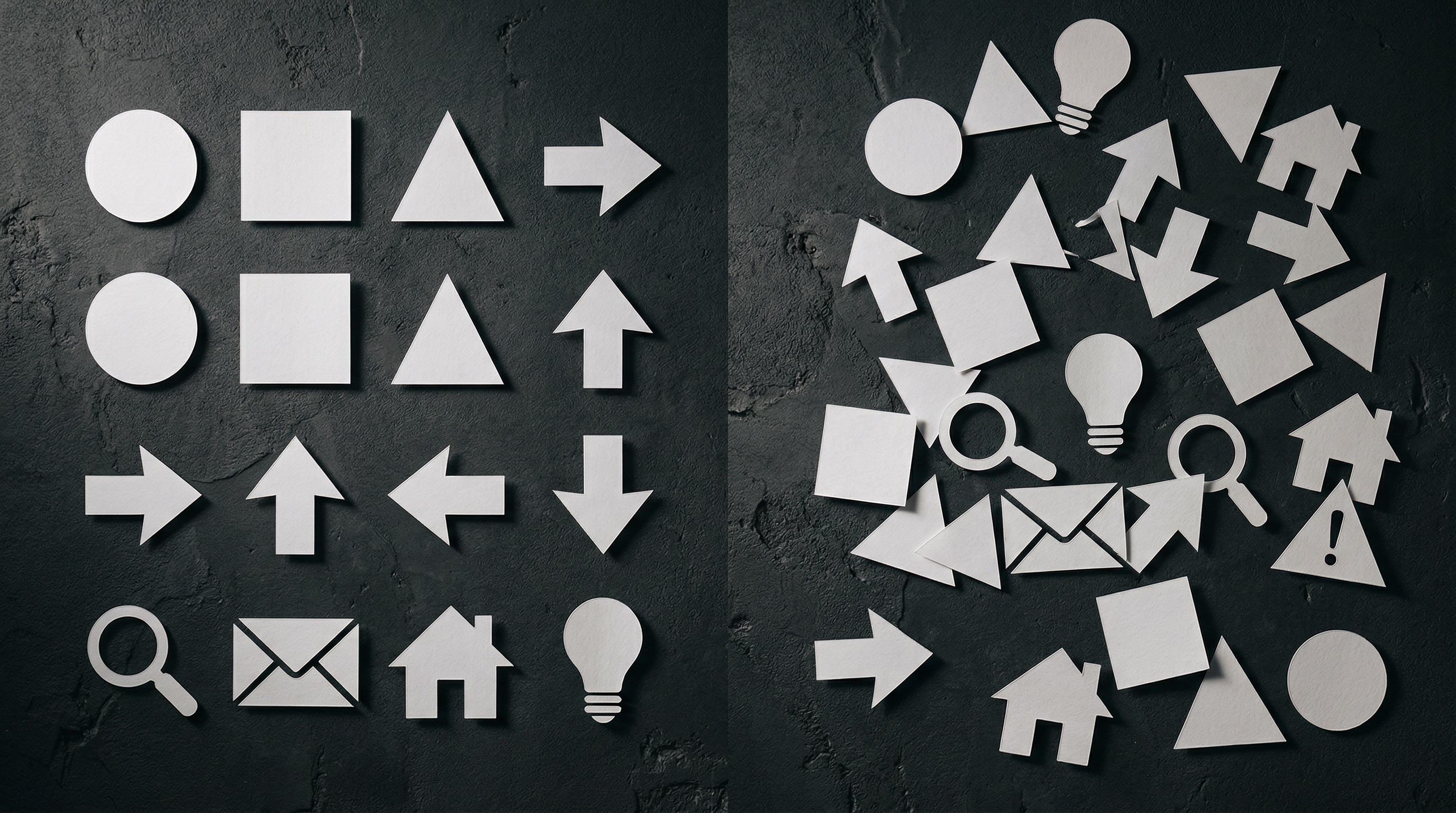
Open any eLearning module, any app onboarding screen, any corporate intranet. Count the icons. Now ask yourself: how many of them are actually helping you understand something faster?
Most of the time, the honest answer is none. They're sitting there because someone felt the design looked too plain without them.
The One Job
An icon has exactly one job: reduce the time between seeing and understanding. It's a visual shortcut. The moment someone has to think about what an icon means, it's failed.
A magnifying glass means search. An envelope means email. A house means home. These work because decades of consistent use have made them instant. No translation required. Your brain doesn't read them - it recognises them, the way you recognise a face.
The problem starts when designers treat icons as visual seasoning. A sprinkle of shapes to break up a text-heavy layout. A set of circular illustrations next to every heading because the grid looked empty. Icons chosen for aesthetics rather than clarity.
The Cognitive Load Problem
Every icon on a screen is a tiny demand on attention. When an icon clearly communicates meaning, it reduces cognitive load - the brain processes an image faster than it reads a word. That's the whole point.
But when an icon is ambiguous, it does the opposite. The brain encounters the shape, tries to decode it, can't find an immediate match, and either guesses or ignores it. Both outcomes are bad. Guessing creates misunderstanding. Ignoring trains the user to treat all icons as noise.
Every ambiguous icon trains the user to stop looking at icons altogether.
This is especially damaging in training materials. If your eLearning module has icons next to every section heading and the learner can't instantly tell what each one represents, you've added visual complexity without adding comprehension. You've made the course harder, not easier.
What Good Icons Actually Do
Good iconography works like signage in an airport. You're in a foreign country, you don't speak the language, and you need to find the exit, the toilets, the baggage claim. The icons on those signs don't make you think. They point you in the right direction before you've finished reading the text underneath.
That's the standard. Can someone who doesn't speak your language still navigate by the icon alone?
In a course or an interface, good icons serve as wayfinding. They tell you what type of content you're about to encounter before you read a word. A lightbulb signals a tip. A warning triangle signals caution. A checklist signals action required. These patterns only work if they're consistent, if the same icon always means the same thing, and if every icon earns its place by communicating something the text alone wouldn't communicate as quickly.
The Decoration Test
Here's a simple test. Remove all the icons from your design. Does anything become harder to understand? Does the user lose any navigational ability? Does any meaning disappear?
If the answer is no, those icons were decoration. They were filling space, not serving function.
Decoration isn't inherently bad. But calling decoration "iconography" is. It sets expectations that the visual elements carry meaning, and when they don't, it erodes trust in the ones that do. The learner or user stops looking at icons for guidance because they've learned the icons don't guide anything.
Build the System, Not the Set
The icons that work best aren't the prettiest ones. They're the most systematic. A cohesive icon set where every element follows the same visual rules - same stroke weight, same corner radius, same level of detail - and where each icon maps to exactly one concept.
Consistency itself becomes a signal. The user's brain learns: these shapes mean something. Pay attention.
When you build an icon system rather than picking icons one at a time, the consistency itself becomes a signal. The user's brain learns: these shapes mean something. And from that point, every new icon you introduce gets processed faster because the visual language is already trusted.
The Real Question
Before you add an icon to anything - a slide, a page, a course - ask one question: does this help someone understand faster, or does it just make the layout feel more finished?
If it's the second one, leave the space empty. White space is honest. A decorative icon pretending to be functional is not.
Icons are not decoration. They're instructions. Treat them that way.

Nic