Copilot for
Healthcare Teams
Generic Copilot training teaches you to summarise emails and draft PowerPoints. Healthcare teams need Copilot for clinical governance, compliance, incident reporting, and patient communication - with the privacy guardrails your sector demands.
Built for Australian healthcare context
You'll walk away with
Requires Microsoft 365 Copilot licence
Copilot in Healthcare
What's different from generic office use
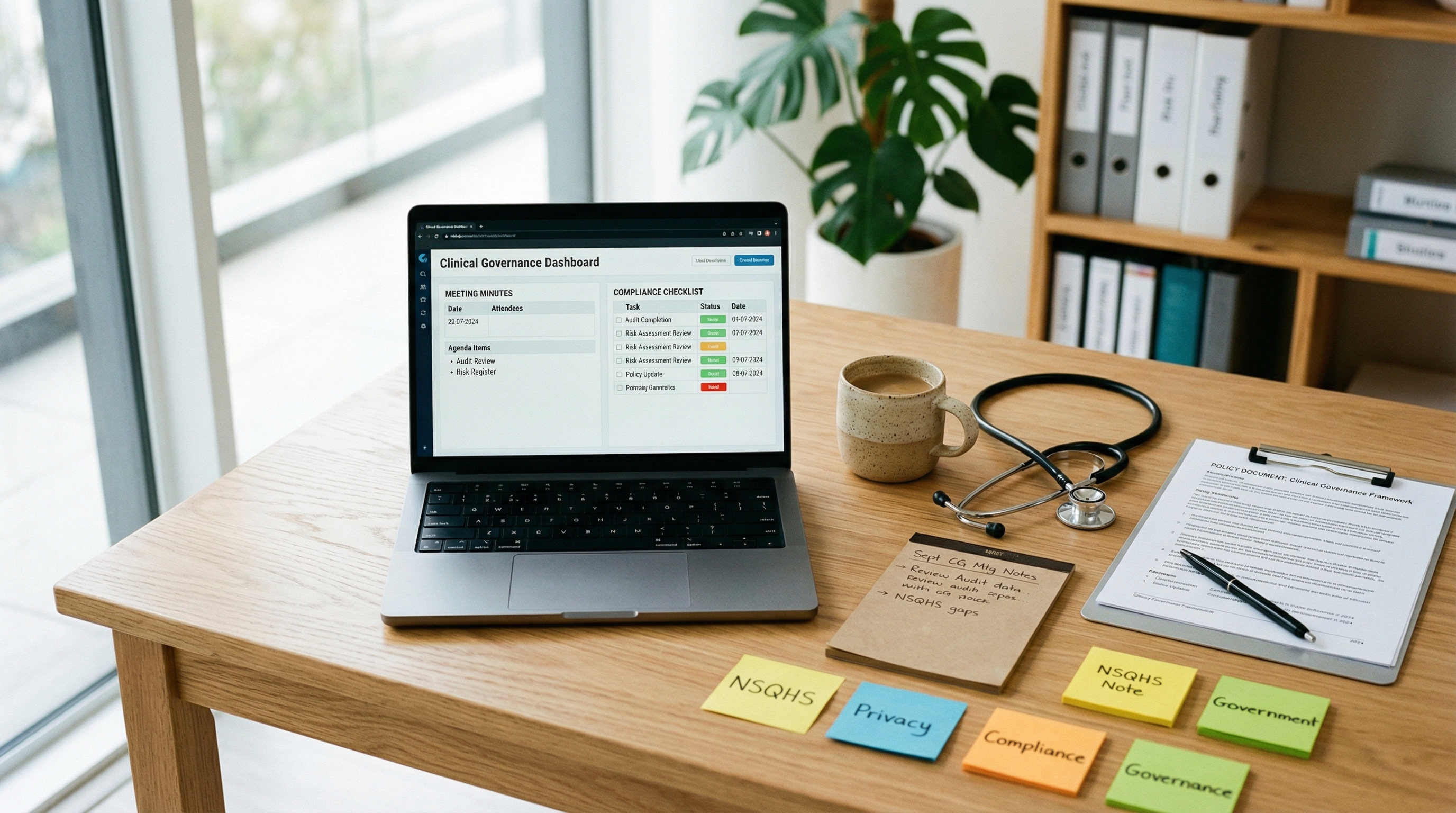
Healthcare isn't a generic office. The data is sensitive, the stakes are higher, the compliance requirements are specific, and the documentation standards are regulated. Generic Copilot training misses all of this.
What Copilot CAN access
Emails, Teams chats, SharePoint documents, OneDrive files, meeting transcripts - anything within your organisation's M365 environment. It respects existing permission boundaries.
What Copilot CANNOT access
External clinical systems (EMR/EHR, patient management, pathology) unless your organisation has built specific integrations. Copilot operates within the M365 boundary only.
Australian context
Privacy Act 1988, My Health Records Act 2012, Australian Privacy Principles. Copilot doesn't change your obligations - it's a tool within your existing governance framework.
Check your understanding
A nurse manager wants to use Copilot to summarise a clinical incident. The incident involved a named patient. What should they do first?
Correct.
De-identification is the standard approach when using AI tools with patient-related content. Your organisational policy governs what data can be entered into M365 tools.
Privacy-Safe Prompting
Protecting sensitive data in every prompt
The golden rule
Never include patient-identifiable information in a Copilot prompt unless your organisation's data governance policy explicitly allows it within M365. When in doubt, de-identify.
De-identification techniques
Replace names
"Patient A" or "the consumer" instead of real names
Remove identifiers
No DOB, MRN numbers, or addresses
Use role descriptors
"a 45-year-old male presenting with..."
Generalise locations
"a regional hospital" not the specific facility
Rewrite this text replacing all patient-identifiable information with generic descriptors. Replace names with 'Patient A', remove DOB/MRN/addresses, generalise locations.
The screenshot risk
Even if the prompt was privacy-safe, think about where the output goes next. Would you be comfortable if this output appeared in a FOI request?
Clinical Governance Documentation
Minutes, action registers, committee reports
Quality committees, clinical review meetings, mortality and morbidity reviews, accreditation evidence - healthcare generates enormous volumes of governance documentation. Most of it follows predictable structures. Copilot thrives on structure.
Summarise this meeting as formal clinical governance minutes with: Attendees, Apologies, Items discussed (numbered), Decisions made, Actions arising (with owner and due date), Items for escalation.
Based on the last 4 clinical governance meeting transcripts, create a consolidated action register. For each action: description, owner, due date, status (open/overdue/complete), and which meeting it originated from.
Based on these clinical governance documents, map our activities to [NSQHS Standard X]. For each criterion, list the evidence we have and identify any gaps in documentation.
Check your understanding
You want Copilot to generate meeting minutes from a clinical governance Teams meeting. Which approach produces the best output?
Correct.
Structured prompts with explicit format requirements produce governance-quality output. Generic prompts produce summaries, not minutes.
Policy & Procedure Workflows
Summarise, compare, and communicate changes
Compare [old policy version] with [new policy version]. List all changes. For each change, explain the practical impact on [role/team] in plain language.
Summarise [policy document] for three audiences: (a) clinical staff - focus on what they need to do differently, (b) managers - focus on compliance and reporting, (c) new employees - must-know basics. Under 300 words each.
Rewrite this clinical procedure as a step-by-step job aid. Maximum 10 steps. Use simple language (Year 8 reading level). Include a 'When to escalate' section at the end.
Check your understanding
Your organisation has updated its hand hygiene policy. You need to communicate changes to 300 staff across 5 sites. Copilot can help by:
Correct.
Copilot excels at comparison, summarisation, and drafting. It can identify what changed and draft tailored communications. It cannot send emails autonomously or track readership.
Quality & Safety
Incident reports, trend analysis, QI plans
Draft an incident report summary based on the following facts: [details]. Use the structure: What happened, Contributing factors, Immediate actions taken, Recommendations for prevention. Professional, objective tone. Do not assign blame.
Analyse these incident reports. Identify: recurring themes, common contributing factors, departments or shifts with higher frequency, and trends over time. Present as a summary table and narrative for the Quality Committee.
Draft a quality improvement plan for [issue]. Include: Aim statement (SMART), Measures (process, outcome, balancing), Change ideas (3-5 practical interventions), PDSA cycle outline for the first change, Timeline, and Responsible officers.
Executive quality reports
For Board/Executive summaries: "Lead with the 3 most significant findings. Include trends (improving/stable/deteriorating). Recommend 2-3 actions for executive endorsement. Maximum 1 page."
Patient & Staff Communication
Clear, appropriate, health-literate
Draft a [letter/email/SMS] to patients about [topic]. Reading level: Year 8. Tone: warm, professional, reassuring. Include: what's happening, what they need to do, who to contact with questions.
Rewrite this clinical information for a consumer audience. Replace medical terminology with plain language. Use short sentences. Add a 'What this means for you' section. Format with clear headings and bullet points.
Draft a response to this patient complaint. Acknowledge the concern, explain what happened (factually), describe what actions have been taken, and offer next steps. Empathetic, professional tone. Do not admit liability.
Draft an email to clinical staff about [change]. Explain: what's changing, why, when it takes effect, what they need to do differently, and where to get support.
Building a Knowledge Base
Copilot Notebook as searchable reference
Policies live in SharePoint. Procedures are in a document management system. Guidelines are PDFs. New staff don't know where to look. Create a Notebook per knowledge domain and make Copilot the team's reference desk.
You are a healthcare knowledge assistant. Only answer from the reference documents in this Notebook. Always cite the specific document and section. If the answer isn't in the references, say 'This isn't covered in the current documentation - please check with [relevant person/team].' Never guess or use general knowledge.
Use cases for teams
New staff orientation
"Ask any question about our infection control procedures and get an answer with the source reference."
Compliance audit prep
"What evidence do we have for [standard/criterion]?" with a list of relevant documents.
Manager quick-reference
"What's our policy on [topic]?" with an immediate, cited answer.
Check your understanding
You're setting up a Copilot Notebook as a knowledge base for your ward's infection control procedures. What instruction should you set?
Correct.
Healthcare knowledge bases must be source-grounded and transparent about limitations. The instruction ensures Copilot only provides answers from your documentation, cites sources, and flags gaps.
5 Healthcare Workflows
Ready-to-use prompt templates that save hours
Weekly Clinical Governance Prep
Problem: Preparing for the weekly meeting takes 2 - 3 hours of gathering updates.
Time saved: 2 - 3 hours to 20 minutes.
Based on last week's minutes and the new documents added since then, draft this week's agenda with: carryover items and their status, new items requiring discussion, and a summary of any incidents or quality data that should be tabled.
Accreditation Evidence Compilation
Problem: Gathering evidence mapped to NSQHS standards is a months-long project.
Time saved: Days per standard to hours.
Map the documents in this Notebook to [Standard X, Criterion Y]. For each criterion, list: documents that provide evidence, strength of evidence (direct/supporting/partial), and gaps requiring additional evidence.
Staff Training Needs Analysis
Problem: Annual TNA requires reviewing incident data, competency records, and regulatory changes.
Time saved: 1 - 2 weeks to 1 - 2 days.
Based on these incident reports, competency assessment results, and regulatory updates, identify the top 10 training priorities for [department/role]. For each priority, explain the evidence base and recommend a training intervention.
Orientation Content Updates
Time saved: Full day to 1 - 2 hours.
Compare the current orientation pack content with the latest versions of these policy documents. Identify any outdated information in the orientation materials. Draft updated content for each section that has changed.
Executive Quality Dashboard Narrative
Time saved: Half day to 30 minutes.
Based on this quality data, write an executive narrative that: highlights the 3 most significant trends, explains contributing factors, describes actions already underway, and recommends 2 items for Board endorsement. Maximum 500 words. Professional, factual tone.
Your commitment
Which workflow will you try first this week?
Check your understanding
A quality officer needs to prepare for an NSQHS accreditation assessment. They have 200+ documents across SharePoint. The most effective Copilot approach is:
Correct.
A structured Notebook per Standard lets Copilot map your actual documents to specific criteria, identify evidence gaps, and help you prepare systematically.
Course complete
You now know how to make Copilot work for healthcare - not just for generic office tasks. The 30-prompt library is your daily toolkit.
What you've learned
Built by Nic Gallardo | nicgallardo.com | Updated March 2026